
Guides
Practical, step-by-step guides for turning a photo into a 3D model and using it: 3D printing, Blender, Unity, Unreal Engine, Fusion 360, FreeCAD, and websites with AR.
Try it with your own photo
Free preview, no account. Pay €1 only for the model you keep: OBJ, STL and GLB in one download.
Or open an example model
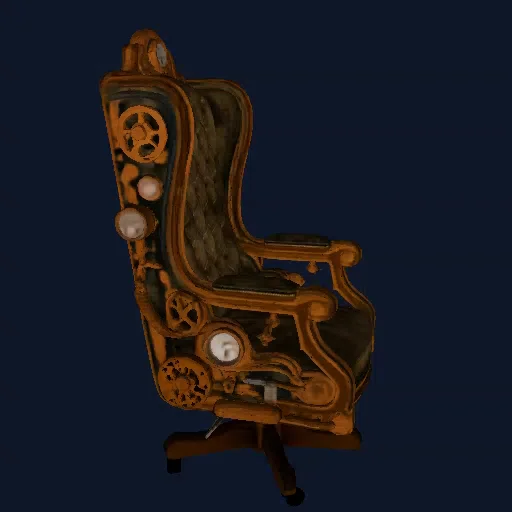
Image to STL: Turn One Photo into a 3D Print
Pick a photo that prints well, generate a free 360° preview, download a watertight STL and slice it in Bambu Studio, OrcaSlicer, PrusaSlicer or Cura.
Read the guide →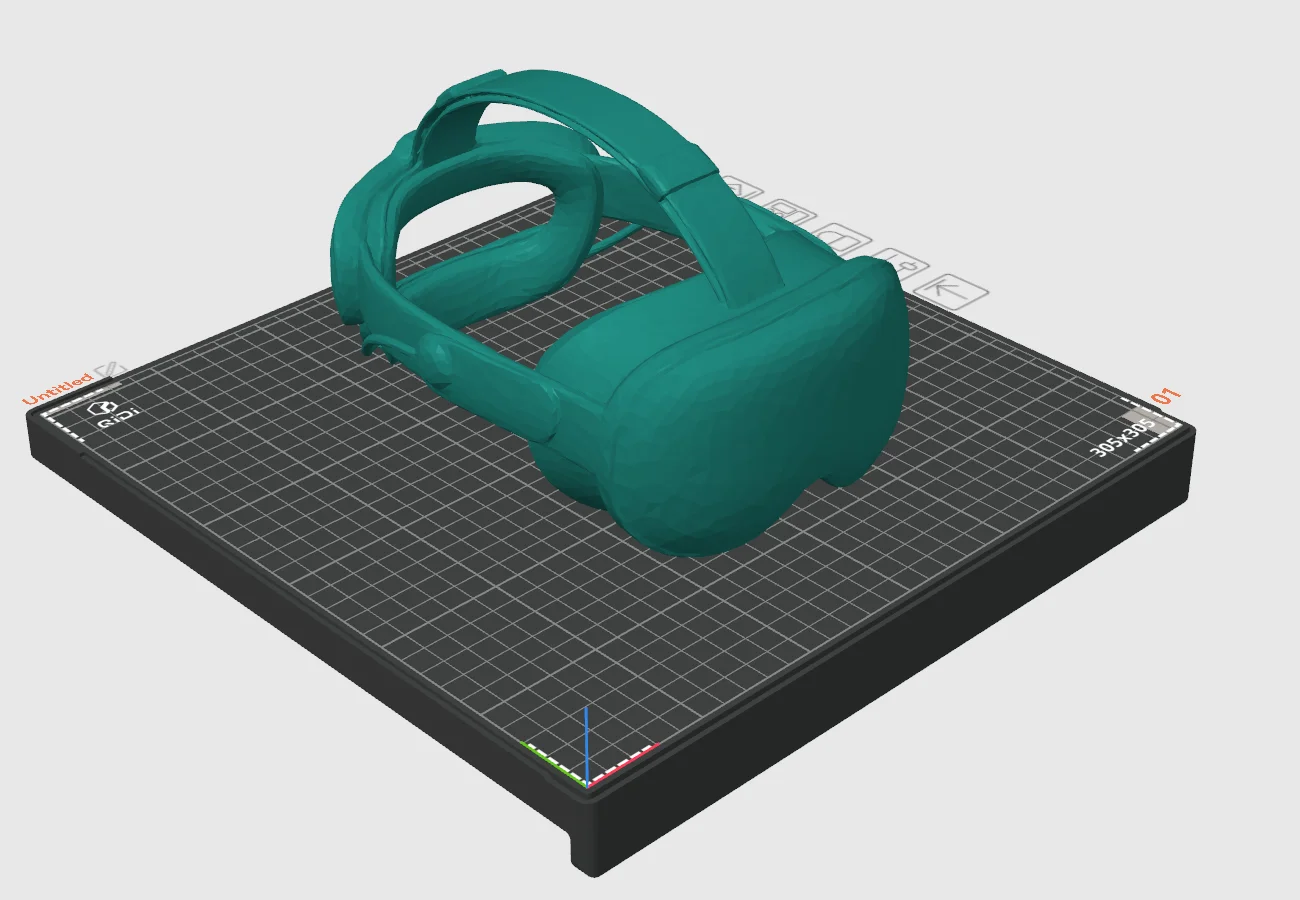
OBJ to STL: Which File to Use, and How to Convert
What OBJ, STL and GLB each store, which one to use for printing, CAD, games and the web, and how to convert OBJ to STL if you need to.
Read the guide →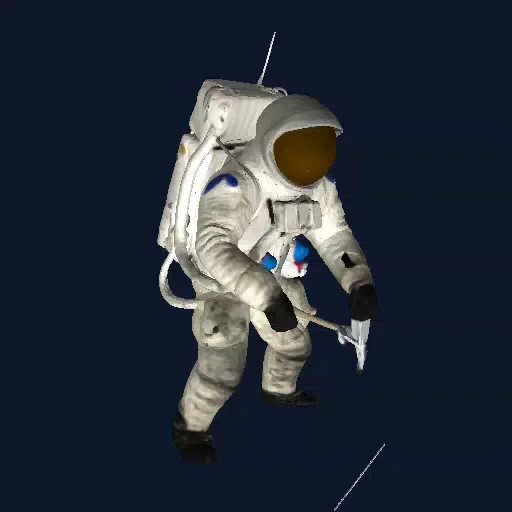
Photo to 3D Model in Blender: Import, Clean Up, Export
Import the GLB or textured OBJ, see the colours, fix orientation and scale, lower the polygon count, and export to STL, FBX or GLB.
Read the guide →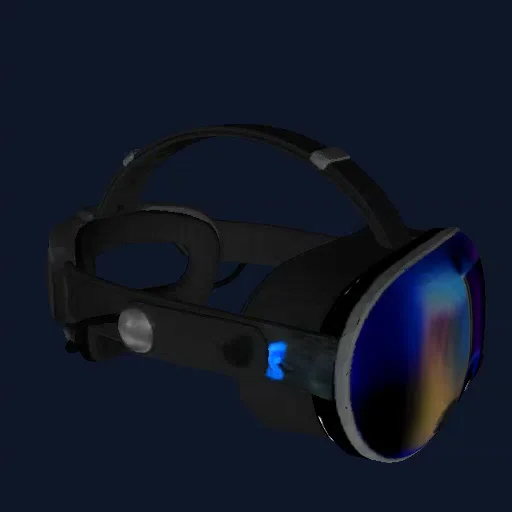
Photo to 3D Model in Unity: Import OBJ or GLB
Drop the textured OBJ into Assets or add glTFast for GLB, fix pink URP materials, add a collider, and keep the polygon count game-friendly.
Read the guide →
Photo to 3D Model in Unreal Engine 5
Import the GLB with its texture at the right size, avoid the tiny-OBJ trap, turn on Nanite and give the mesh simple collision.
Read the guide →
Photo to 3D Model in Fusion 360: Mesh to Solid
Insert the STL at the right size, reduce the mesh, convert it to a solid body, and design stands, mounts and cut-outs around it.
Read the guide →
Photo to 3D Model in FreeCAD: Mesh to Solid
Import the STL in the Mesh workbench, decimate it, turn it into a Part solid, and combine it with your own parametric features.
Read the guide →
Show a 3D Model on Your Website and in AR
One GLB file and a few lines of HTML give you a rotating 3D model on your page, with "view in your room" AR on phones.
Read the guide →